
Mac repair guides from our Ampang workshop
Practical MacBook, iMac and Mac mini troubleshooting guides from the iPRO Ampang workshop: batteries, screens, liquid damage, boot problems and upgrades.
 Troubleshooting · 25 Sep 2026
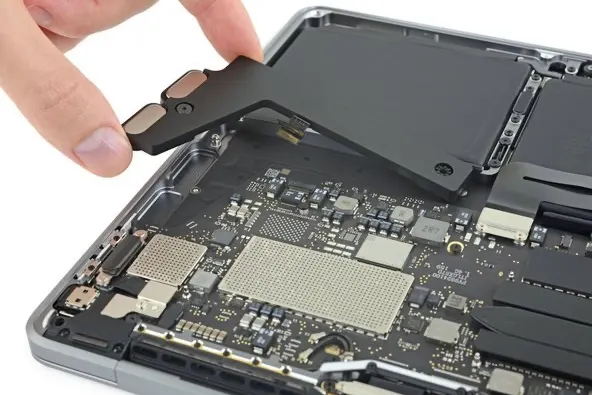
iMac Screen Lines or Flicker: Panel, Cable or GPU?
Vertical lines, flicker or a dim iMac screen: how to tell a panel fault from a cable or GPU, which iMac years are prone, and what the repair involves in KL.
Read guide →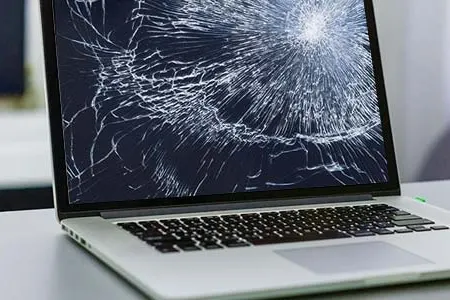 Troubleshooting · 25 Sep 2026
Flexgate: Why MacBook Pro Screens Go Dark at the Bottom
The stage-light effect on 2016–2018 MacBook Pros comes from a worn backlight cable. How to confirm it and why a cable repair beats a new display.
Read guide →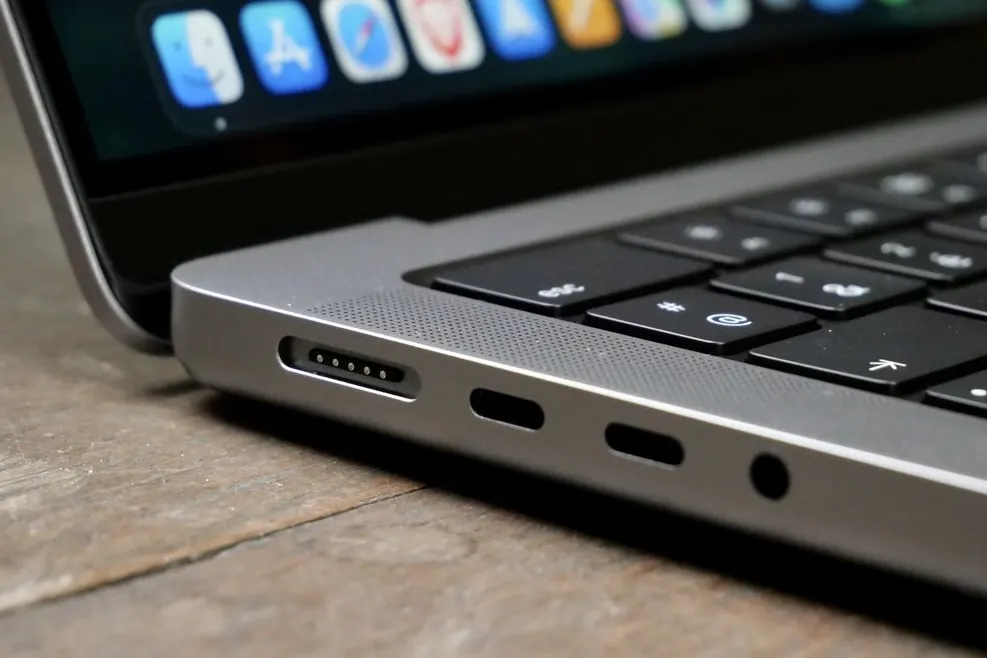 Troubleshooting · 25 Sep 2026
MacBook Not Charging? 8 Checks From Cable to Charging IC
A MacBook that will not charge is usually the cable, the adapter or a dirty port before it is the board. Eight checks in order, then when to bring it in.
Read guide →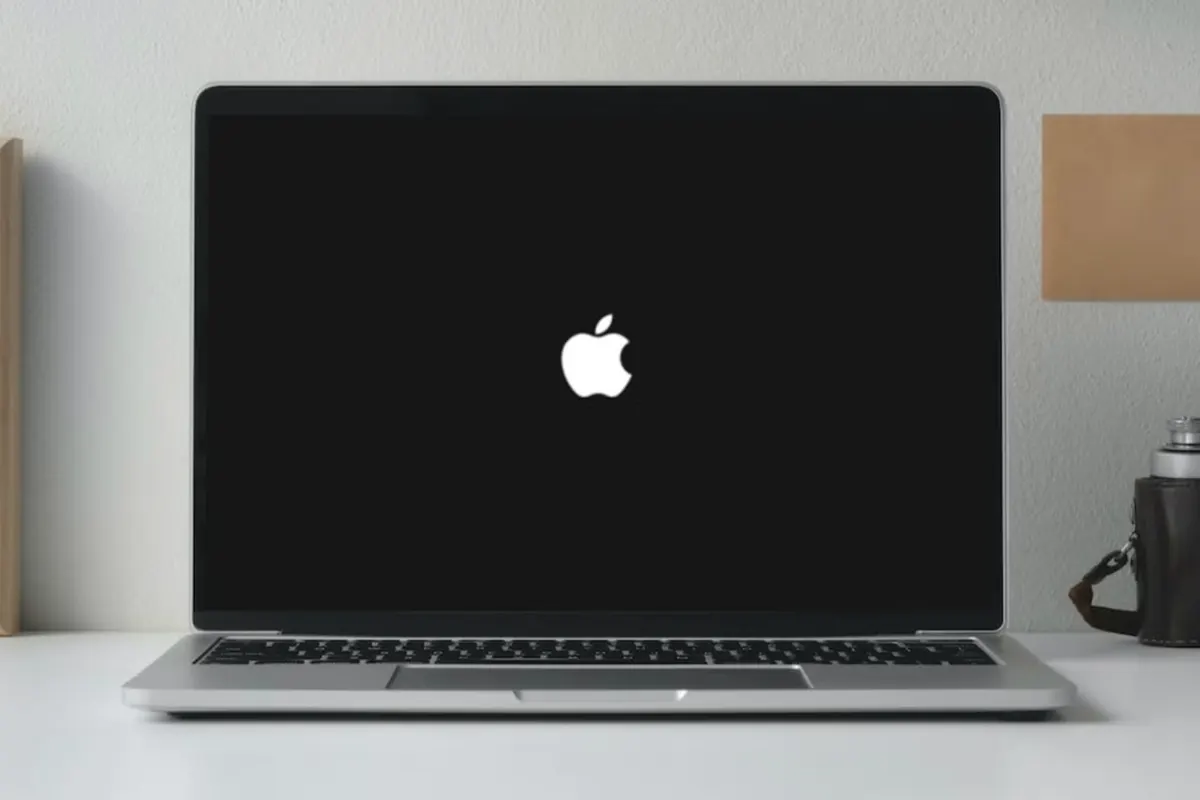 Guide · 25 Sep 2026
MacBook Running Slow? 7 Fixes Before You Buy a New One
Slow MacBook fixes that work: storage headroom, login items, an SSD upgrade on 2012–2017 models and failing drives. When repair beats replacing.
Read guide →Troubleshooting · 25 Sep 2026MacBook Screen Flickering? 6 Causes and When It's the Cable
Why a MacBook screen flickers, glitches or shows lines: lid-angle cable faults, Flexgate, GPU and macOS. Which ones a KL repair shop fixes cheaply.
Read guide →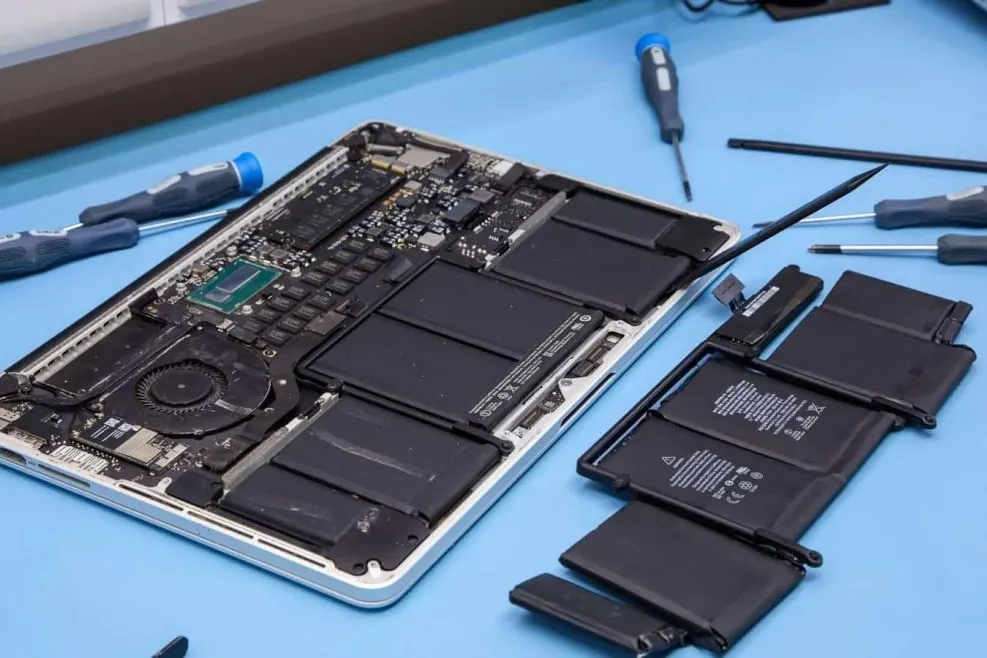 Troubleshooting · 25 Sep 2026
MacBook "Service Recommended" Battery: What to Do
What the Service Recommended battery warning means on a MacBook, how to check battery health, and when a replacement in KL from RM280 makes sense.
Read guide →Buying advice · 25 Sep 2026Is a MacBook SSD Upgrade Worth It? Which Macs Qualify
Which MacBooks, iMacs and Mac minis can take an SSD upgrade, what it costs from RM400 in KL, what changes day to day, and when a new Mac is the better buy.
Read guide →Troubleshooting · 25 Sep 2026Staingate: MacBook Screen Coating Peeling, Explained
Smeared-looking MacBook screens are the anti-reflective coating wearing off, known as Staingate. Which models, what makes it worse, and the only real fix.
Read guide → Troubleshooting · 25 Sep 2026
Spilled Water on Your MacBook? Do These 6 Things Right Now
Coffee, water or rain on a MacBook: power off, unplug, don't charge, don't use rice, and get it cleaned within a day. What we do at the bench in Ampang.
Read guide →Troubleshooting · 24 Sep 2026MacBook Won't Turn On? 8 Checks Before You Panic
A MacBook that will not turn on is usually the charger, a stuck SMC or a flat battery, not a dead Mac. Eight checks in order, then when to bring it in.
Read guide →Ready to fix your Mac today?
WhatsApp us your model and the problem for a fast quote, or walk in to Taman Dagang, Ampang. No appointment needed.